Subscriptions at Nova Nutrition
A simple way to take care of yourself month after month
What is a subscription?
We've created a subscription option so you don't have to worry about running out of your add-ons. You choose the product, and we'll automatically send it to you every month with special conditions.
Subscription products
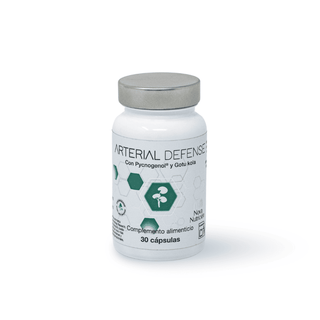
Arterial Defense
60,00€
- Unit price
- /per
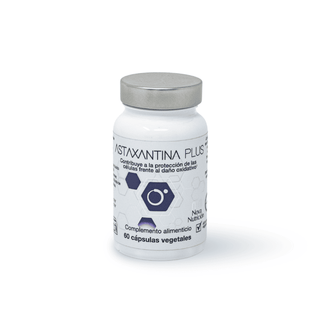
Astaxanthin Plus
39,95€
- Unit price
- /per
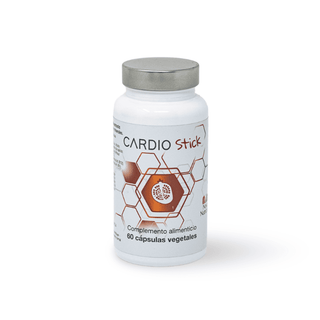
Cardio Stick
35,50€
- Unit price
- /per
Cardiol Forte
25,70€
- Unit price
- /per
Coenzyme Q10
31,95€
- Unit price
- /per
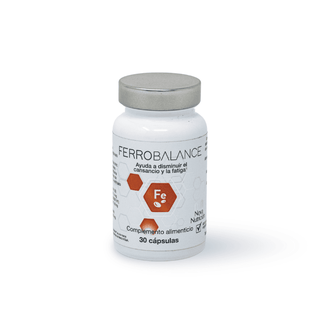
FerroBalance
21,95€
- Unit price
- /per
GLA Forte
37,50€
- Unit price
- /per
Griffonia - 5HTP
31,95€
- Unit price
- /per
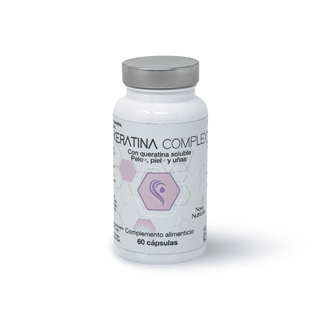
Keratin Complex
45,95€
- Unit price
- /per
Magnesium L-Threonate
62,80€
- Unit price
- /per
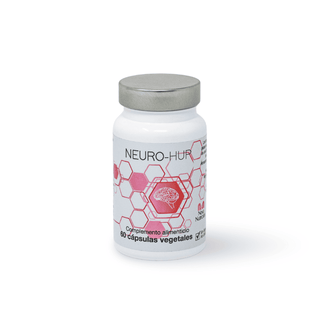
Neuro Hup
38,95€
- Unit price
- /per
Neuro Stick Plus
29,95€
- Unit price
- /per
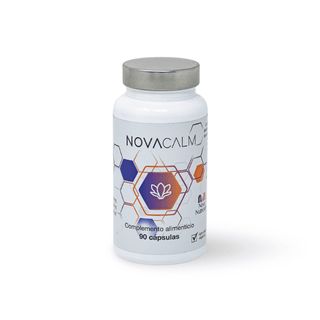
Nova Calm
32,95€
- Unit price
- /per
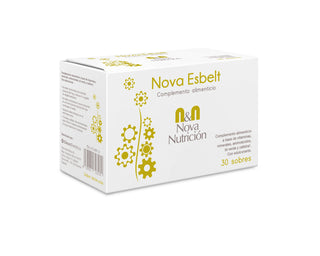
Nova Esbelt
26,95€
- Unit price
- /per
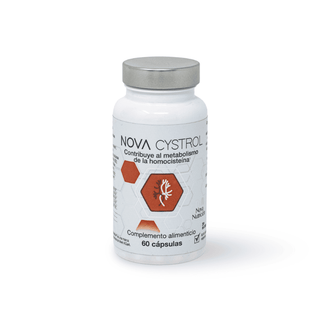
NovaCystrol
30,95€
- Unit price
- /per
Omegor Vitality 1000
from 14,99€
- Unit price
- /per
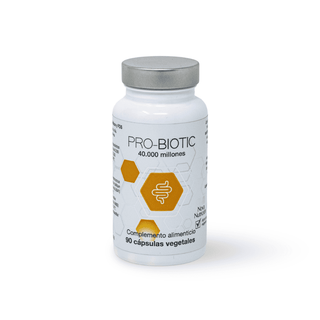
Pro Biotic 40,000
from 19,96€
- Unit price
- /per
Natural Quercetin
19,95€
- Unit price
- /per
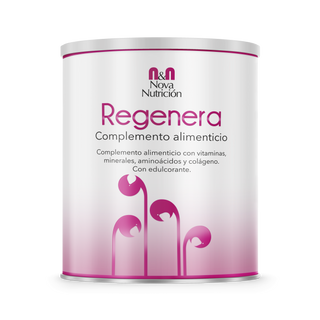
Regenera Forte
43,95€
- Unit price
- /per
Regenera Red Fr.
33,50€
- Unit price
- /per
Subscription benefits
- 10% fixed discount on all products available by subscription.
- Total convenience : the order is automatically renewed on the same day of each month, based on the date of your first purchase.
- Real flexibility : you can cancel your subscription whenever you want, starting from the first 3 months.
- Easy management : From your customer account you can easily view, modify or cancel your subscription.
How does it work step by step?
- Choose your product in the store and select the subscription option. Your order can include a combination of products with and without a subscription.
- Confirm your order : a 10% discount will be automatically applied to subscription products.
- Receive your supplement every month on the same date as your first purchase.
- Forget about paperwork : payment is made automatically with your saved details.
- Manage your subscription at any time from your account: change details, review orders or cancel it (starting from the third month).
How do I manage my subscription?
You can access all your subscription options by logging into your customer account and clicking the "Manage subscriptions" button that will appear on the screen.
From this section you will have access to various features, including:
- Modify products or quantities included in your subscription.
- Cancel your subscription whenever you want (respecting the minimum period established).
- Change your payment method quickly and securely.
- Update your shipping address to receive your orders wherever you need them.
- Other matters related to your subscription.
This way you will have total and flexible control over your recurring orders, ensuring that they always meet your needs.
Designed for you
As nutritionists, we know that consistency is key to seeing results. The subscription is designed so that you always have what you need, without forgetting or interruptions.
Frequently Asked Questions
Yes, you can cancel it from your customer account after the first 3 months of subscription.
The payment is automatically charged each month using the card details you registered during your first purchase.
Renewal occurs on the same day of each month as your initial purchase. For example, if you started on the 10th, your renewal will take place on the 10th each month.
Yes, you can manage it from your customer account: modify quantities, change products, or adjust your order.
You can do this with the mixed cart option, which allows you to add products with and without a subscription in the same purchase.
Steps to manage your subscription:
- Log in to your Shop account from a web browser.
- Click on your account icon .
- Within the Account tab, click on Subscriptions .
- Select the subscription you wish to manage.
- Perform any of the following actions depending on your needs:
To update your payment method:
Important note: Changing your default payment method does not automatically update your existing subscriptions. You must update the payment method for each subscription individually.
- a. Click on Update payment method .
- b. Select or add a new payment method for your subscription.
- c. Click on Save .
To make a payment, pause, or cancel:
- Click on Manage subscription. This will redirect you to your customer account on the store where you made the purchase, where you can apply these changes directly.